


UDP sockets are a fundamental part of network communication, and being able to track them specifically can be a game - changer for a variety of applications. As a track sockets supplier, I've seen firsthand how important it is to have a solid understanding of how to track UDP sockets. In this blog, I'll share some tips and techniques on how to do just that.
Understanding UDP Sockets
First off, let's quickly go over what UDP sockets are. UDP (User Datagram Protocol) is a connection - less protocol, which means it doesn't establish a dedicated connection between the sender and the receiver like TCP (Transmission Control Protocol). UDP sockets are used to send and receive data in the form of datagrams. They're often used in applications where speed is more important than reliability, like video streaming, online gaming, and voice over IP (VoIP).
Why Track UDP Sockets?
There are several reasons why you might want to track UDP sockets. For one, it can help with network troubleshooting. If you're experiencing issues with a UDP - based application, tracking the sockets can give you insights into where the problem might be. Maybe there's a high packet loss, or the sockets aren't being used efficiently.
Another reason is for security purposes. By tracking UDP sockets, you can detect abnormal behavior, such as unauthorized access or a denial - of - service (DoS) attack. You can also monitor the traffic patterns to ensure compliance with security policies.
Methods for Tracking UDP Sockets
Using Network Monitoring Tools
One of the easiest ways to track UDP sockets is by using network monitoring tools. Tools like Wireshark are incredibly popular for this purpose. Wireshark allows you to capture and analyze network traffic in real - time. You can filter the traffic to show only UDP packets and then look at details like source and destination IP addresses, port numbers, and packet sizes.
For example, if you're running a UDP - based game server, you can use Wireshark to see how many clients are connecting to the server, what kind of data they're sending and receiving, and if there are any issues with the connection.
Kernel - Level Tracking
On Linux systems, you can use kernel - level tools to track UDP sockets. The ss (socket statistics) command is a great option. It provides detailed information about all the sockets on the system, including UDP sockets. You can use it to see the state of the sockets, the process that's using them, and other useful information.
Here's an example of how you can use the ss command to list all UDP sockets:
ss -u
This will show you all the UDP sockets on the system, along with their local and remote addresses and port numbers.
Application - Level Tracking
If you're developing an application that uses UDP sockets, you can implement your own tracking mechanism at the application level. You can log information about the sockets, such as when they're created, when data is sent or received, and any errors that occur.
For instance, in a Python application, you can use the socket module to create UDP sockets and then add logging statements to track their behavior. Here's a simple example:
import socket
import logging

logging.basicConfig(level = logging.INFO)

# Create a UDP socket
sock = socket.socket(socket.AF_INET, socket.SOCK_DGRAM)

# Log socket creation
logging.info("UDP socket created")

# Send some data
server_address = ('localhost', 12345)
message = b'Hello, UDP!'
sock.sendto(message, server_address)
logging.info(f"Sent {len(message)} bytes to {server_address}")

# Receive data
data, address = sock.recvfrom(4096)
logging.info(f"Received {len(data)} bytes from {address}")

# Close the socket
sock.close()
logging.info("UDP socket closed")
Our Track Sockets Offerings
As a track sockets supplier, we offer a range of products that can be used in various applications. For example, if you're looking for a track socket for your kitchen, we have some great options. Check out our Kitchen Counter Track Socket, which is designed to provide a convenient and flexible power solution for your kitchen countertop.
We also have the Kitchen Track Outlet with Usb, which allows you to charge your devices directly from the track socket. And if you need a more powerful option, our Kitchen Track Outlet Power is a great choice.
Conclusion
Tracking UDP sockets is an important skill for network administrators, developers, and anyone who works with network - based applications. Whether you're using network monitoring tools, kernel - level commands, or implementing your own application - level tracking, there are many ways to keep an eye on UDP sockets.
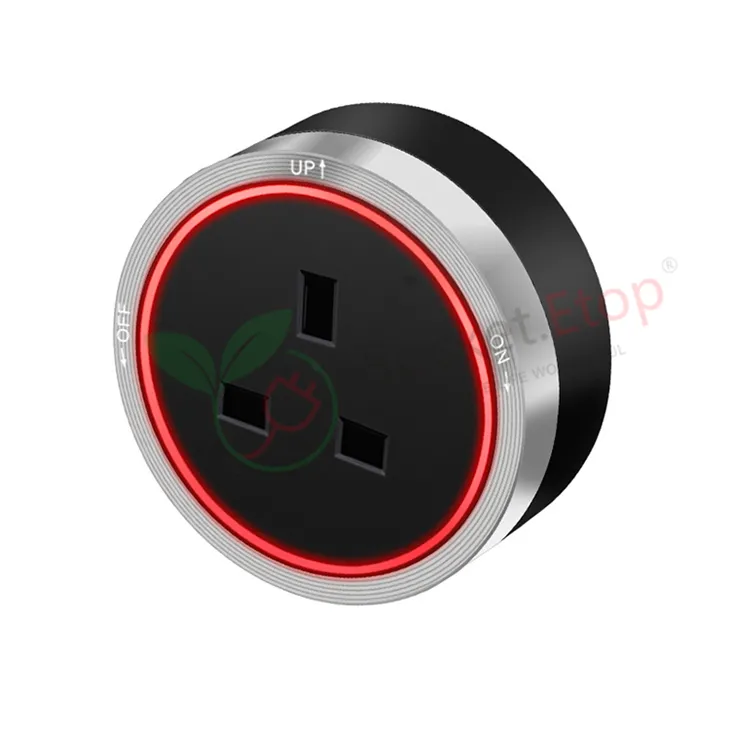

If you're interested in our track sockets products or have any questions about tracking UDP sockets, don't hesitate to reach out. We're here to help you find the best solutions for your needs. Contact us to start a procurement discussion and see how we can work together to meet your requirements.
References
- "TCP/IP Illustrated, Volume 1: The Protocols" by Richard A. Deal
- "Wireshark Network Analysis: The Official Wireshark Certified Network Analyst Study Guide" by Laura Chappell and Gerald Combs


